A keyboard designed around one hand.
A familiar keyboard assumes a familiar way of using it. TiPY starts with a different question: how should the controls be arranged when one hand does the work?
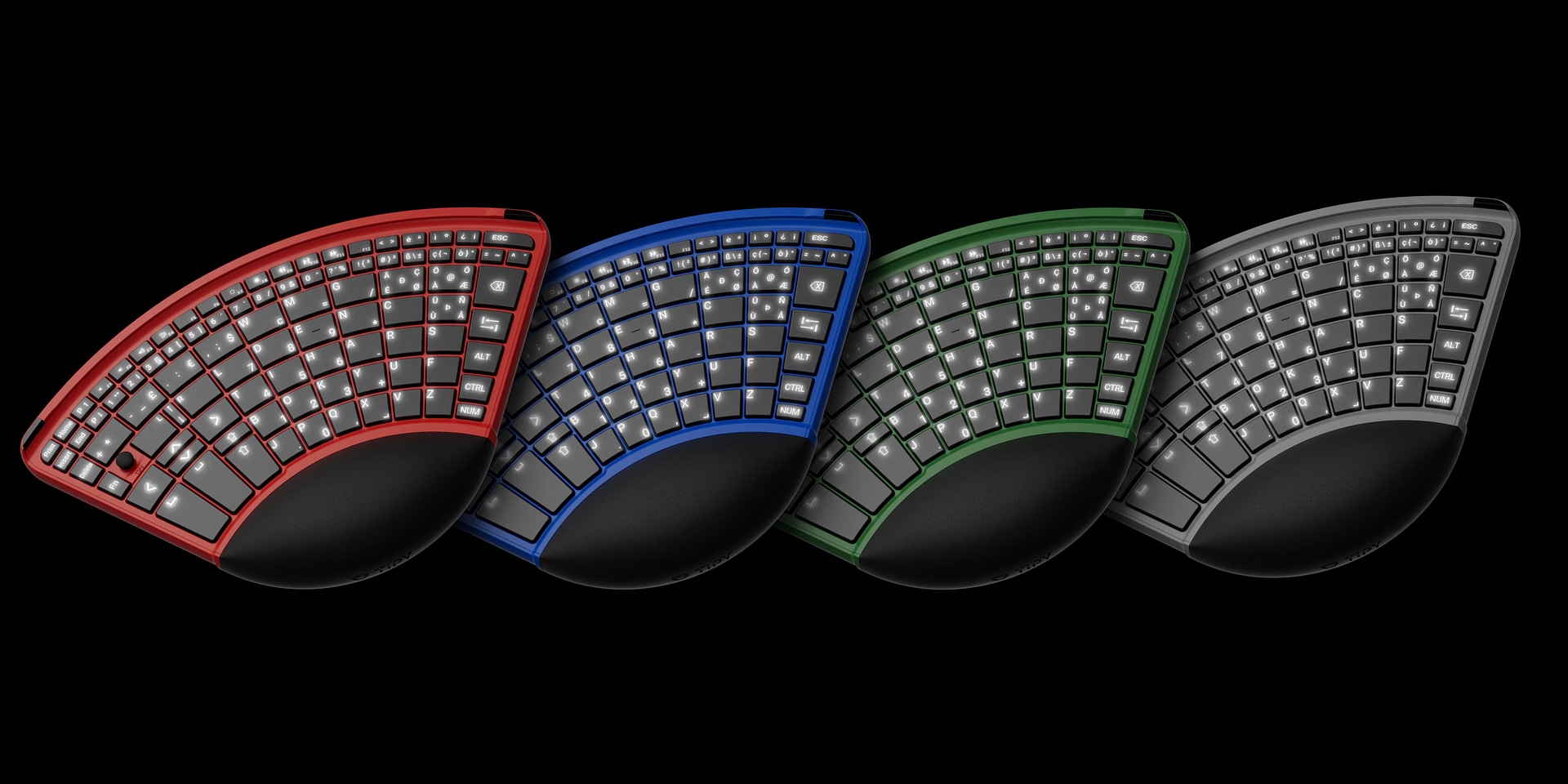
In practice. A documented commercial keyboard design can be configured for either hand and incorporates a mouse function.
What to keep in view
The product documentation establishes the design and intended use. It does not establish universal suitability or typing speed. Comfort, learning and individual needs require a personal trial.
Rearranging the interface
TiPY groups the keys in a compact curved layout and integrates a mouse function. Its reversible design and changeable hand support allow the same device to be configured for left- or right-handed use.
The instruction manual describes text entry, shortcuts and pointer control through one hand. The intended benefit comes from organising these functions around the available movement rather than spreading them across a conventional desk setup.
Learning belongs in the design
A new arrangement takes practice. TiPY provides an online typing trainer, acknowledging that the device and the process of learning it belong together.
Our reading: accessibility can begin by questioning an ordinary object’s layout. The right measure of success is useful, comfortable participation for a particular person, established through experience with the device.
Read next.
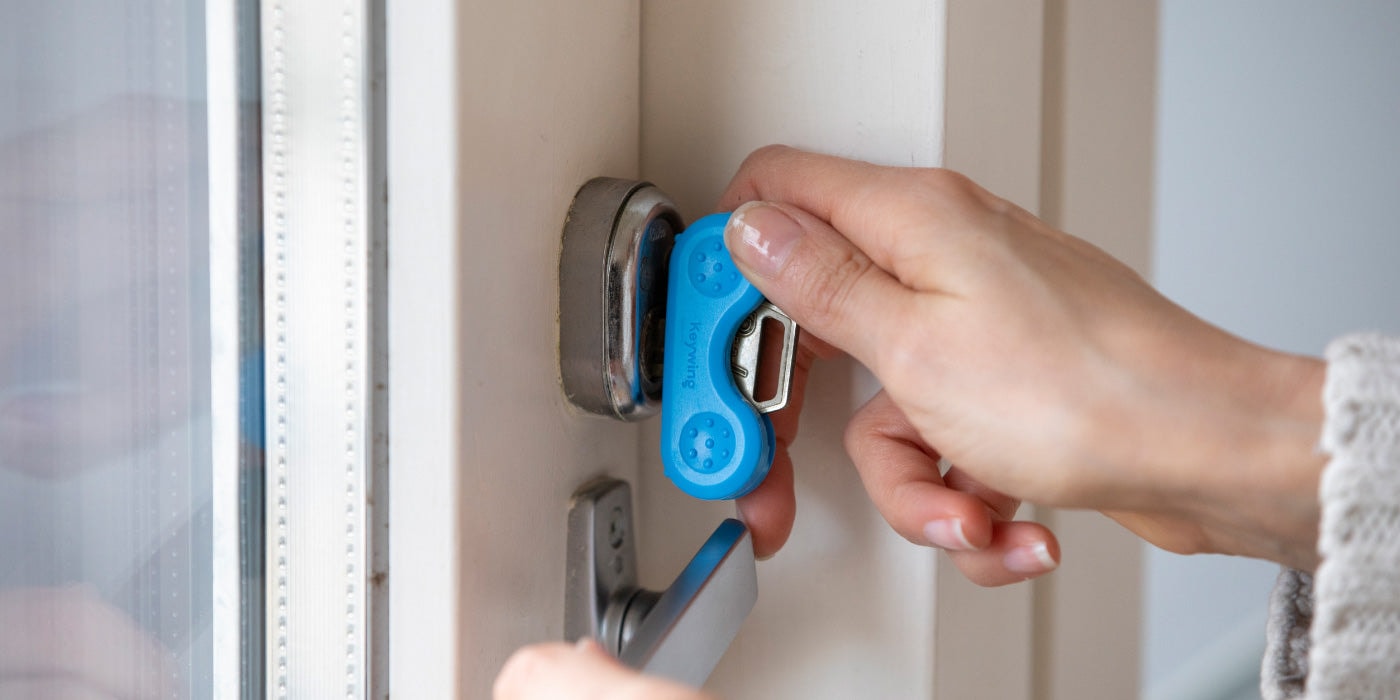
A better grip on an ordinary key.
Both reconsider an inherited interface around the user’s movement. Changing the contact point can be more focused than replacing the wider task.
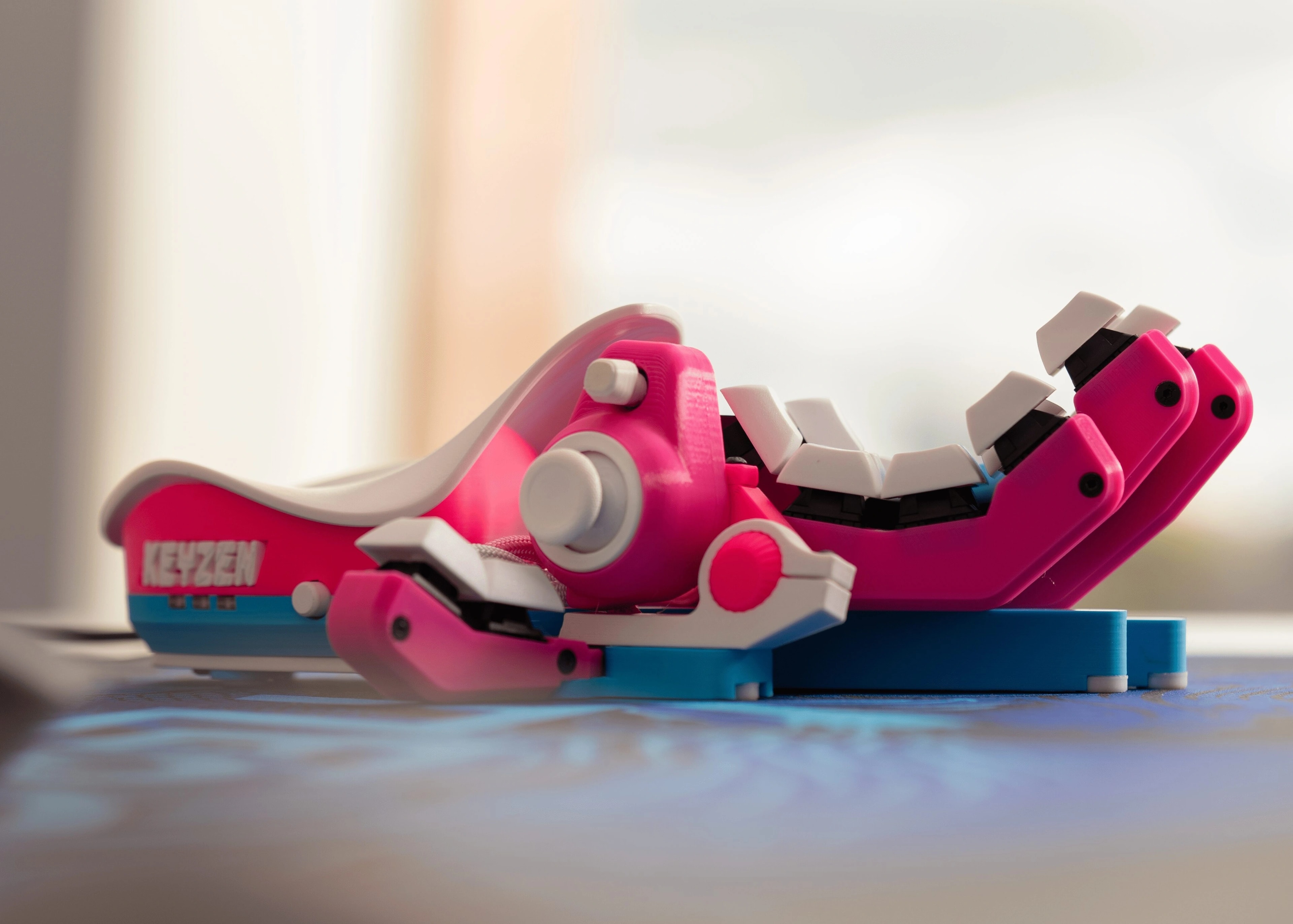
Let the controls move towards the hand.
Both question the fixed geometry of familiar computer input. Compare controls fitted around a gaming hand with a keyboard designed for one-handed use.